

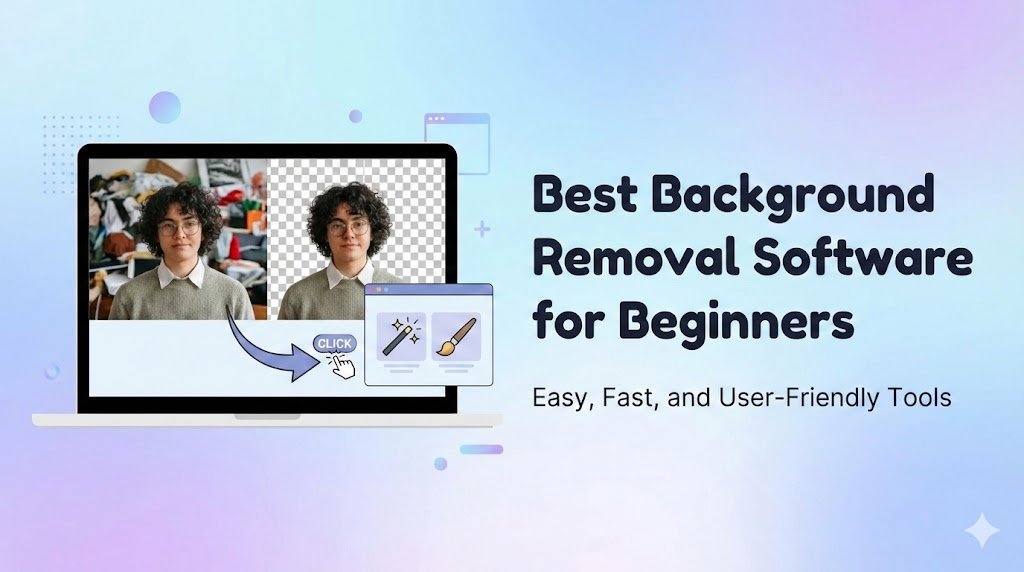
Background removal is an essential task for designers, marketers, photographers, and online sellers. There are two primary methods: automatic (AI-powered) and manual (software-based precision tools). Understanding the pros and cons of each method helps professionals choose the right approach depending on complexity, time, and desired quality.
1. Automatic Background Removal
Automatic tools use AI algorithms to detect subjects and remove background. Examples include Remove.bg, Canva, and PhotoRoom.
Pros
- Speed: Removes backgrounds in seconds.
- Ease of Use: No technical skills required.
- Batch Processing: Ideal for large volumes of images.
- Accessible: Works online, on desktop, and mobile.
Cons
- Limited Precision: Struggles with hair, fur, transparent objects, and shadows.
- Errors with Complex Backgrounds: May remove parts of the subject or leave fragments.
- File Size/Quality Limits: Free versions may restrict resolution.
Best Use Cases
- Social media images
- Simple product photos
- Quick edits with minimal detail
2. Manual Background Removal
Manual removal involves using tools like Photoshop or Illustrator, selecting objects, and carefully erasing the background.
Pros
- High Precision: Ideal for intricate edges, fine details, and transparency.
- Professional Output: Suitable for print, branding, and premium visuals.
- Full Control: Adjust shadows, reflections, and edges manually.
Cons
- Time-Consuming: Complex edits can take hours.
- Requires Skill: Beginners may struggle with tools like Photoshop.
- Cost: Professional software can be expensive.
Best Use Cases
- Portrait photography
- Logos and vector graphics
- Complex e-commerce product images
3. Choosing Between Automatic and Manual Methods
| Feature | Automatic | Manual |
| Speed | Fast | Slow |
| Ease of Use | Beginner-friendly | Requires skill |
| Precision | Medium | High |
| Best For | Simple images, social media | Complex images, professional work |
| Cost | Free / Low-cost | Paid software |
Rule of Thumb:
- Use automatic tools for quick edits and simple backgrounds.
- Use manual tools for high-quality projects requiring precision.
- Combine both for efficiency: AI for rough removal, manual refinement for perfection.
4. Tips for Using Both Methods Effectively
- Start with high-resolution images.
- Use AI tools to speed up the initial removal.
- Refine edges manually for realistic and professional results.
- Preserve shadows and highlights for depth.
- Keep original files for future edits.
Conclusion
Both automatic and manual background removal methods have advantages and limitations. Automatic tools are fast and easy, while manual methods provide unmatched precision and control. By understanding the pros and cons, designers, marketers, and photographers can select the best approach for their projects, balancing speed and quality to achieve professional results.
Watch Movies at: okhatrimaza